Notes.
The margins of a paper notebook: "OHP getting challenging." "Consider a deload on squat." "Felt great today." Delta keeps them, hands them back at the moment they are useful, and never interprets them.
Write one
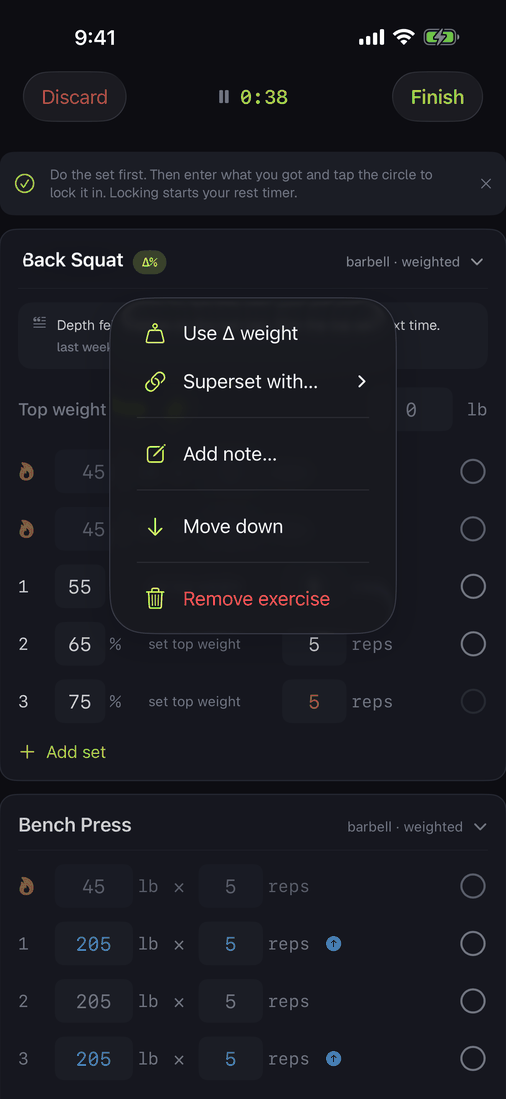
Two scopes, because they answer different questions. Long-press an exercise header and choose Add note for something about that lift on that day. Use the quiet line at the bottom of the workout for something about the session as a whole.
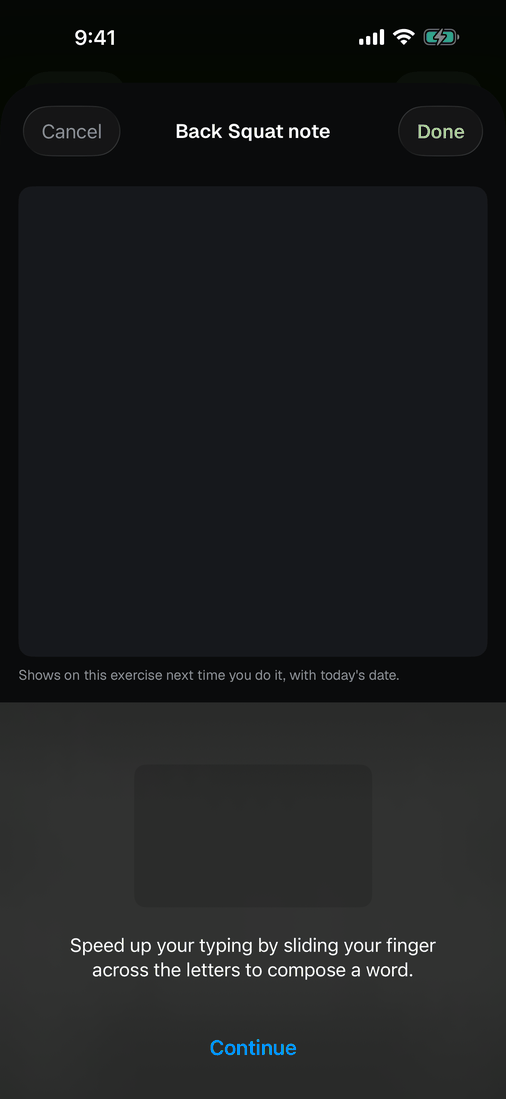
Both open a plain text box. Dictation works, so you can speak it between sets and glance at what landed.
Stored the way you said it, handed back with its age. Nothing in that trip parsed, scored, or summarised a word of it.
Read it back
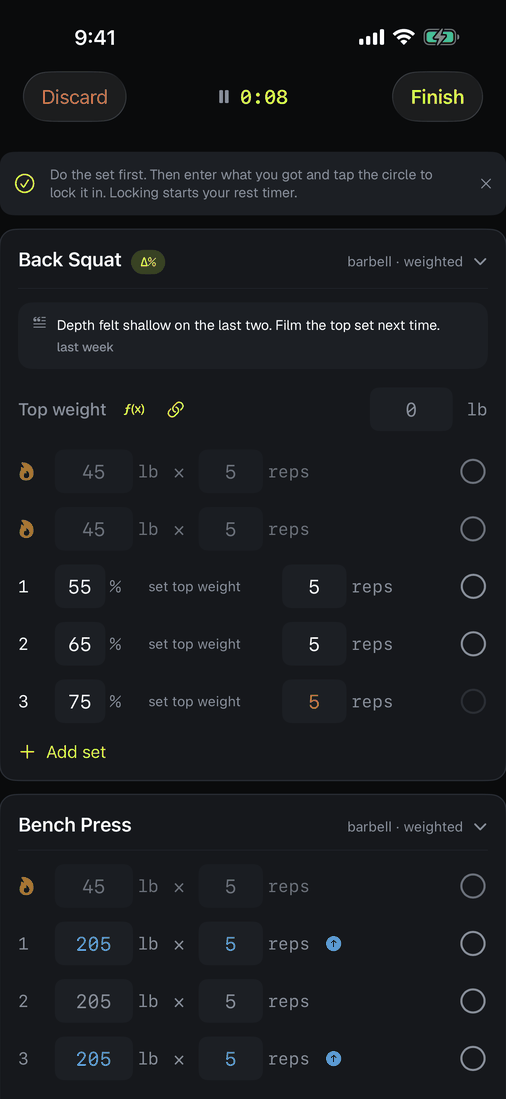
The latest note for an exercise appears on its card the next time you train it, with the date. That date is doing real work: "consider a deload · 3 weeks ago" tells you it may be stale without the app deciding for you.
One note per exercise on screen, so they cannot pile into noise. What resurfaces is read-only. Today's note is a separate, fresh thing, because a note is about the day it was written and should not quietly rewrite history.
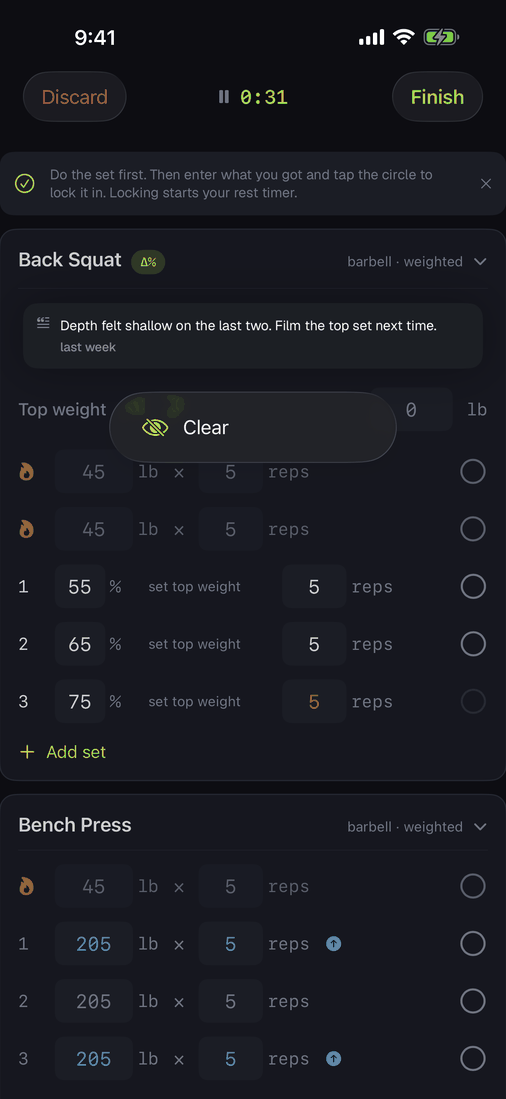
Done with one? Long-press it and choose Clear. That hides every note for that lift, not just the newest, because promoting the one underneath is not what "I have read that" means. Nothing is deleted: the note stays on its workout, in the notebook, and in your CSV. The next note you write shows up as normal.
After, not during
You can write the note once the workout is finished. Open it from the log and the note rows are there, editable, exactly as they were mid-session.
That matters most for running. Nobody composes anything at mile three; you write it on the couch afterwards, when you can remember which knee it was. A note added then still resurfaces the next time you do that activity, dated, because Delta reads notes off finished workouts.
Runs and rides carry one note, not two. A lifting session holds several exercises, so a workout note and an exercise note are genuinely different things. A run is one activity, so both would be the same note written twice, so Delta keeps the one that comes back next time.
The notebook
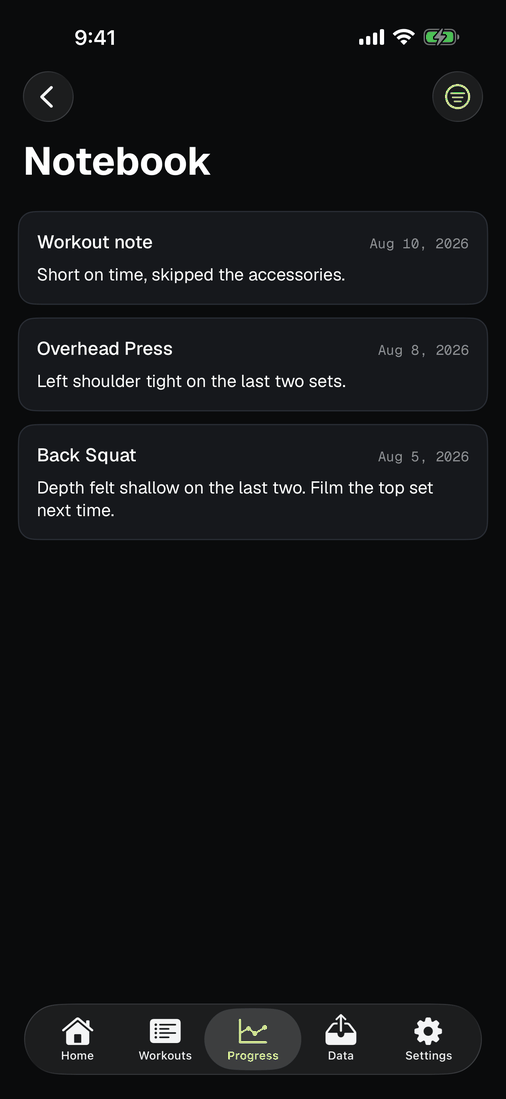
Notes used to surface once and then be gone unless you went hunting through old workouts. Now they are all in one place: Progress, then Notebook. Every note you have written, newest first, exercise notes and workout notes together, each with its date and the lift it belongs to.
Tap one to edit it, which is what dictation makes necessary sooner or later: "form is improving" comes back as "former is improving" and you would rather fix the word than lose the thought. Long-press for the rest: open the workout it came from, delete a note that was a typo or a test, or put a cleared one back on the card. Filter by exercise from the top right.
Delete removes the text and nothing else. The workout, the sets and the weights stay exactly where they were, because those record something that happened and the note is the only part you wrote.
What Delta will not do
It will not score your notes, summarise them, detect your mood, or tell you that your notes suggest something. That is a permanent line, not a missing feature. The same rule that keeps the insight layer honest applies here: a note is you instructing your future self, and there is nothing to fabricate because the app adds no meaning.
They are yours
Notes export in the CSV alongside everything else, in their own columns, and import back unchanged. Nothing about them lives anywhere you cannot reach.
Whether a note is hidden from your cards is deliberately not in the file. That is a preference about what you want shown today, not something you wrote, so an export and reimport gives you your notes back in full.