Routines.
A routine is a saved exercise list: your workout's shape, without the weights. Log a workout you like once, save it, and every future run of it arrives prefilled from the last time. This is the fastest way to use Delta day to day.
Save one from a workout you already did
Finish a workout (or open any past one), scroll to the bottom, and tap Save as routine. Delta captures the exercises and set scheme (how many sets, rep targets, which were warmups) but not the weights: a routine remembers "3×5", not "3×5 at 225". Weights come from your history, per lift, every time you start it.
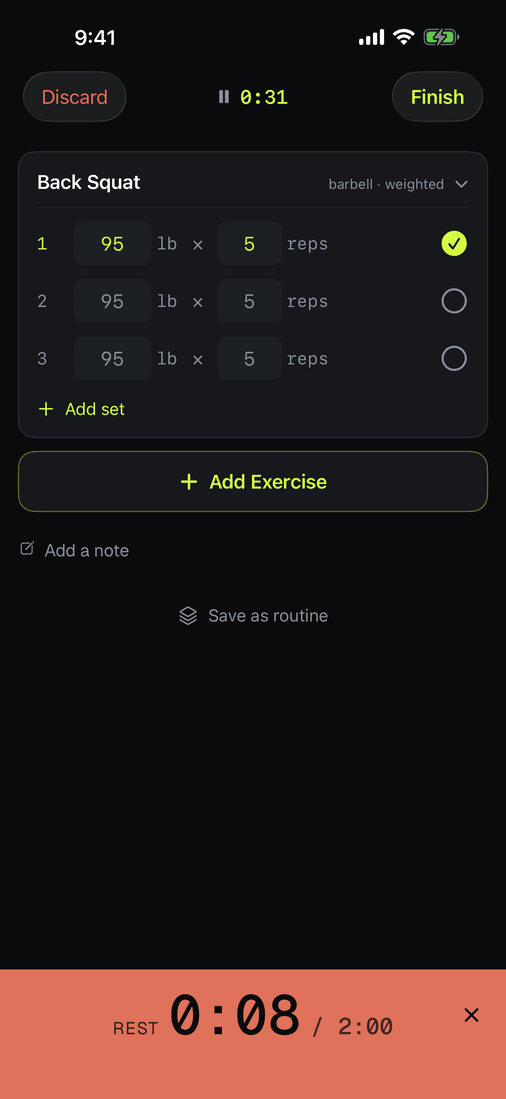
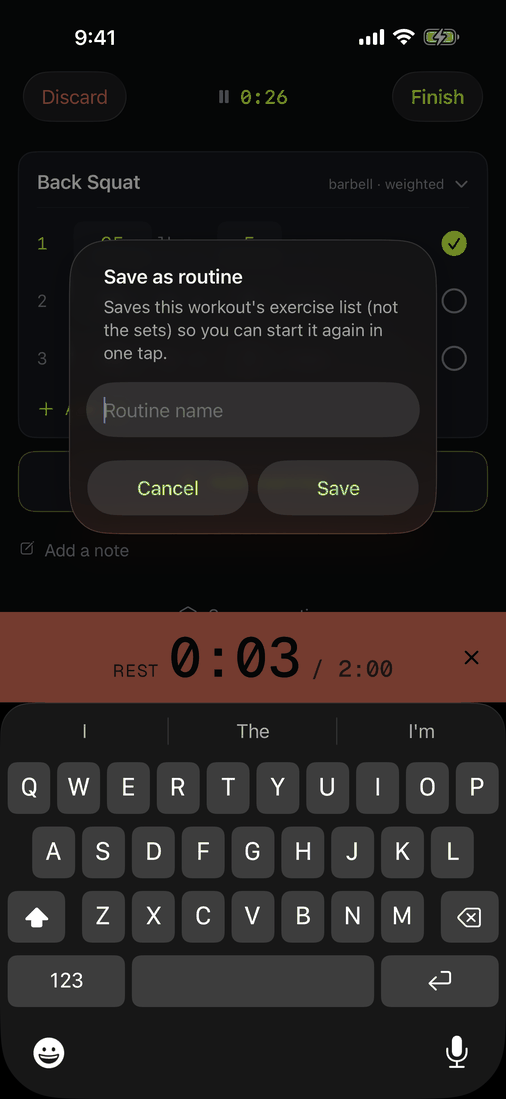
Start it in one tap
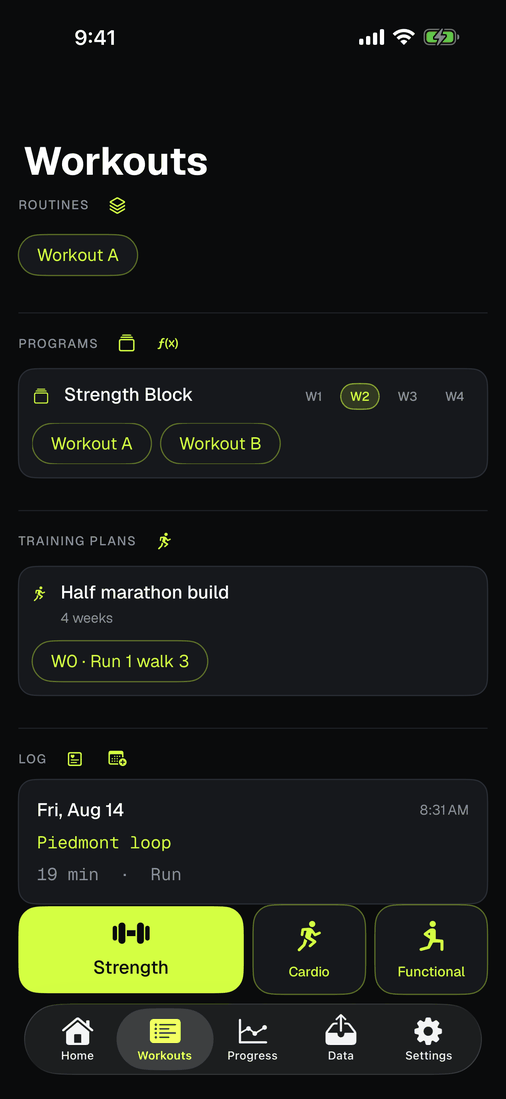
Your routines appear on the Workouts tab as one-tap starts, sorted by most used. Tap one and the whole workout is laid out: every exercise, every set, prefilled from your last session and unlocked, ready for today.
The increment prompt
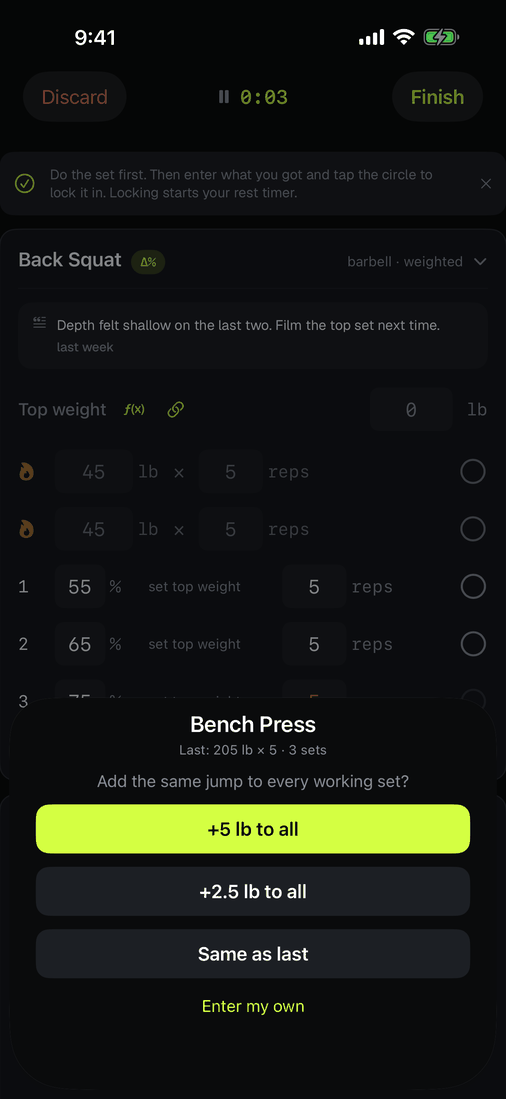
When a routine starts, Delta asks once per eligible lift: add your coarse step, your fine step, or keep last session's weights. That is linear progression as a two-second question, applied to every working set at once. No retyping 140 where 135 used to be. Decline it and enter your own numbers; Delta never changes a weight on its own.
Edit or retire one
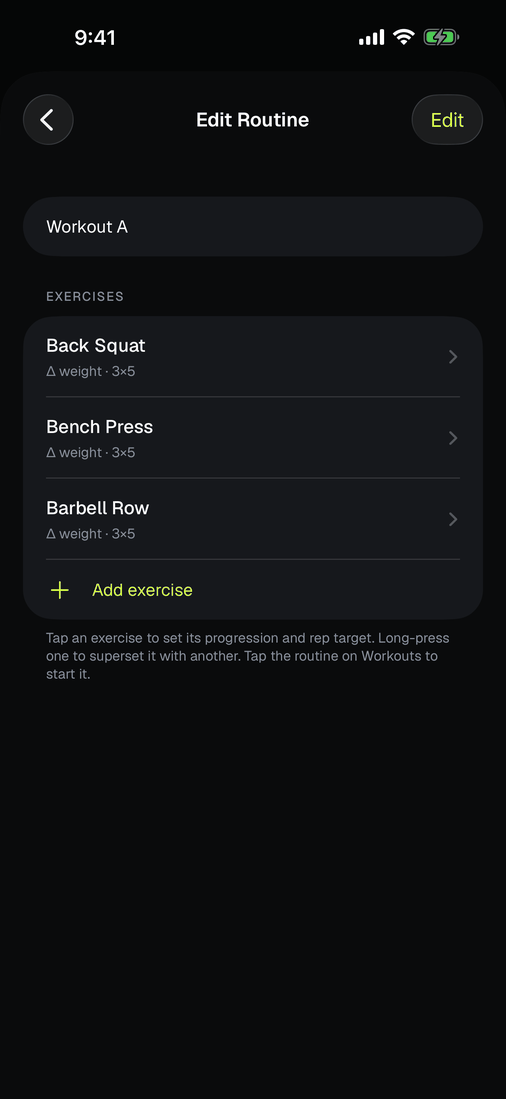
Routines live under Workouts: open the manager to rename, reorder exercises, or delete a routine you have outgrown. Deleting a routine never touches the workouts you logged with it: the log is the record, the routine is just the plan.
Routines can be shared as files (AirDrop a .deltaroutine to a lifting partner); schemes travel, personal weights don't.