Quick tips.
Delta keeps its screens quiet, which means some power hides behind a long press or an unassuming tap. The census, one screenshot each.
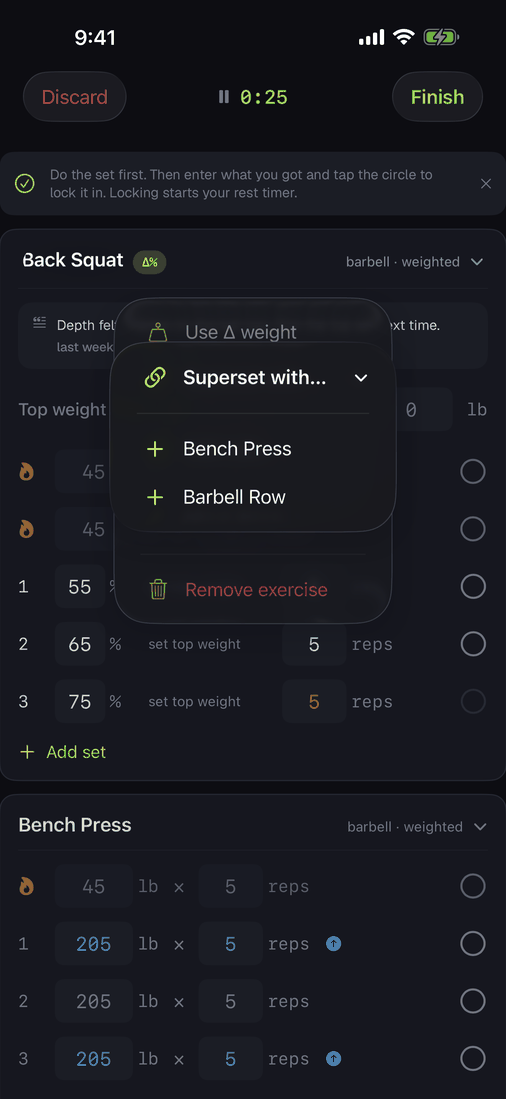
The exercise menu
Mid-workout, long-press any exercise's name: link a superset (partners alternate on the watch automatically), switch to Δ percent, move it, or remove it. Dumbbell and machine lifts add per side and L/R tracking here too.
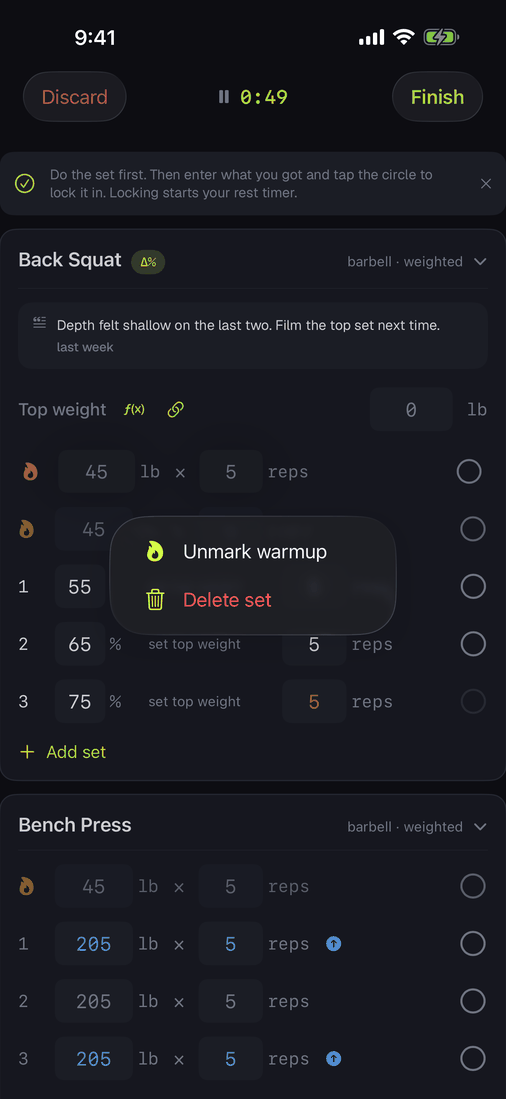
The set menu
Long-press any set to mark it a warmup (warmups never count toward PRs or volume) or delete it.
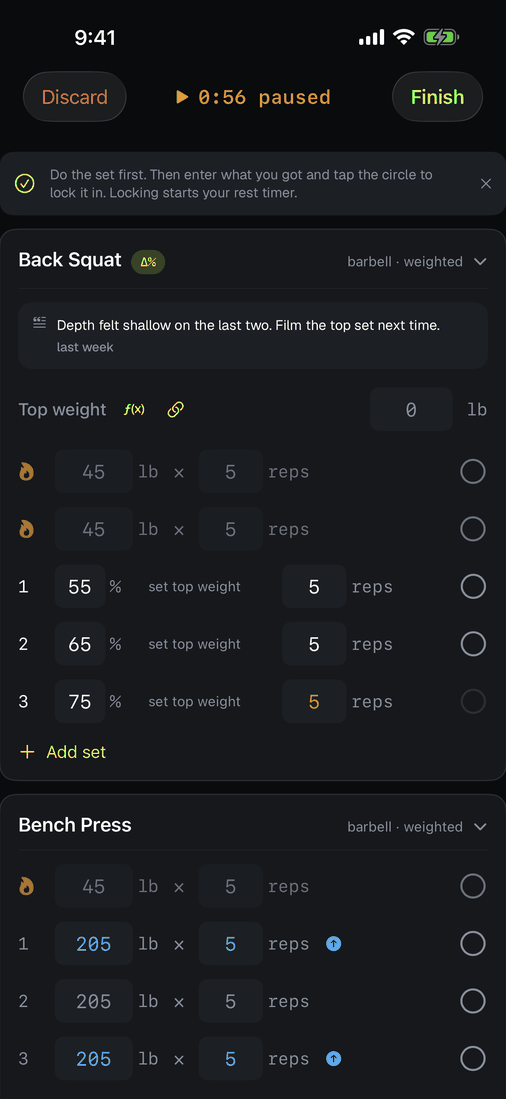
The clock is the pause button
Doorbell rings, tap the clock. Amber and frozen means paused, and paused time never counts as training time. Tap again to resume, or pause from the wrist.
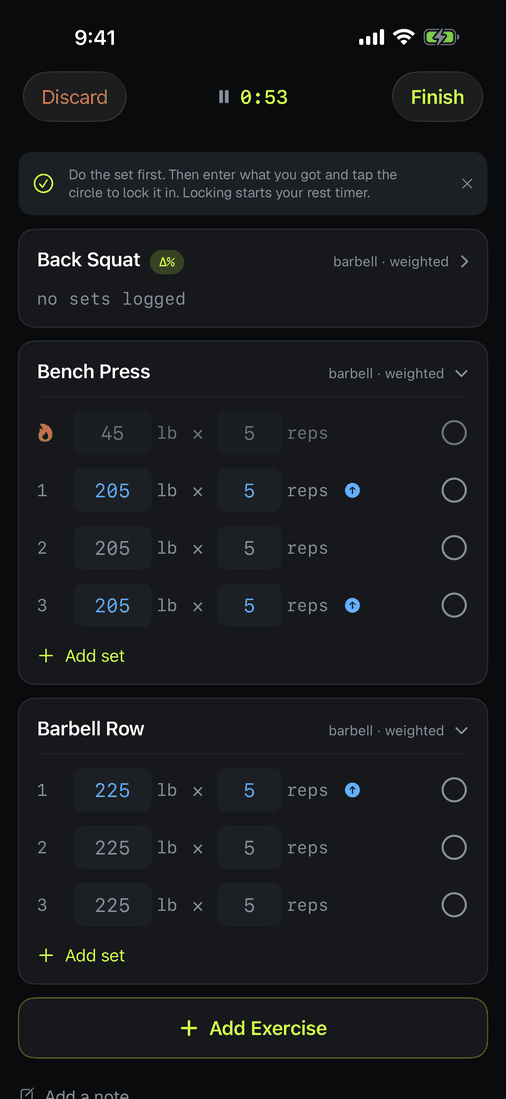
Fold finished work
Tap a header to collapse the card to a one-line digest. Finished exercises fold themselves after a beat, keeping the screen on what's next.
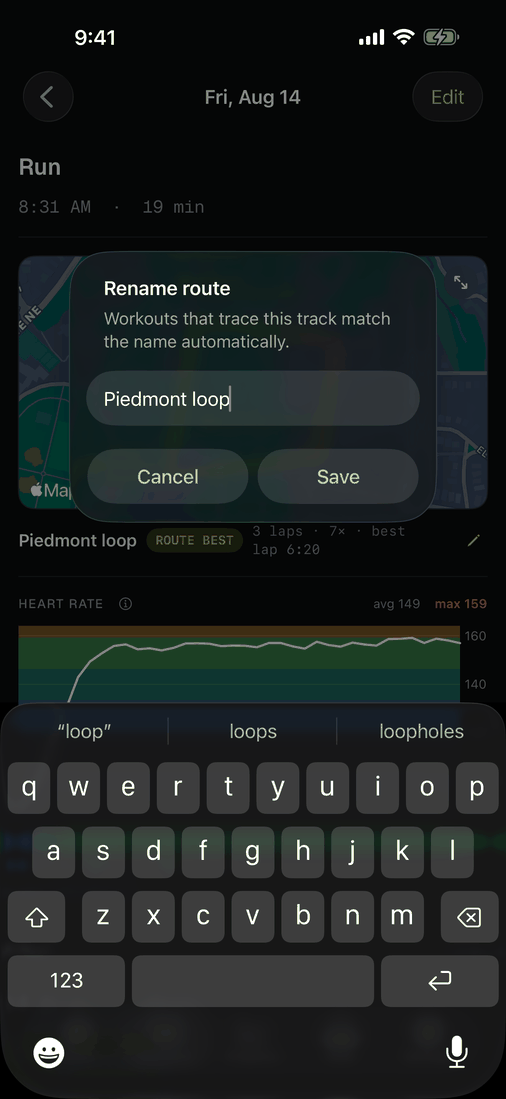
Name a route once
Name a GPS track from any workout's map ("river loop") and every future run, walk, or ride that traces it gets recognized, with times-done, best-lap history, and a ROUTE BEST badge when you beat it. Long-press a route in the cardio start sheet to forget the name.
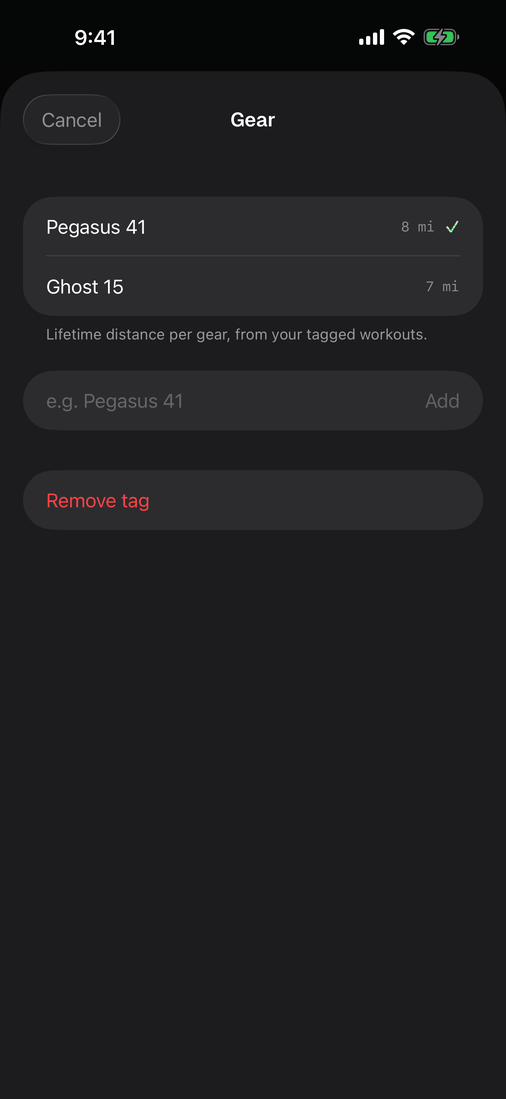
Count your shoes' miles
On any cardio workout's detail, tag what you wore or rode. The picker keeps lifetime distance per gear, so you know when the shoes are done before your knees do.
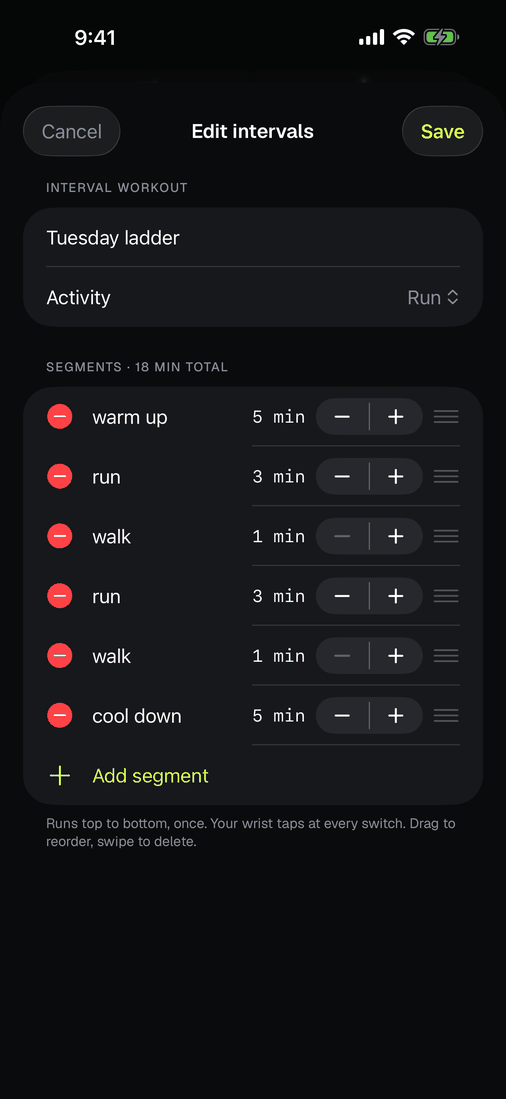
Edit your intervals
Saved interval plans live in the cardio start sheet. Long-press one to edit or delete; the watch mirrors the segments and taps your wrist at every switch.
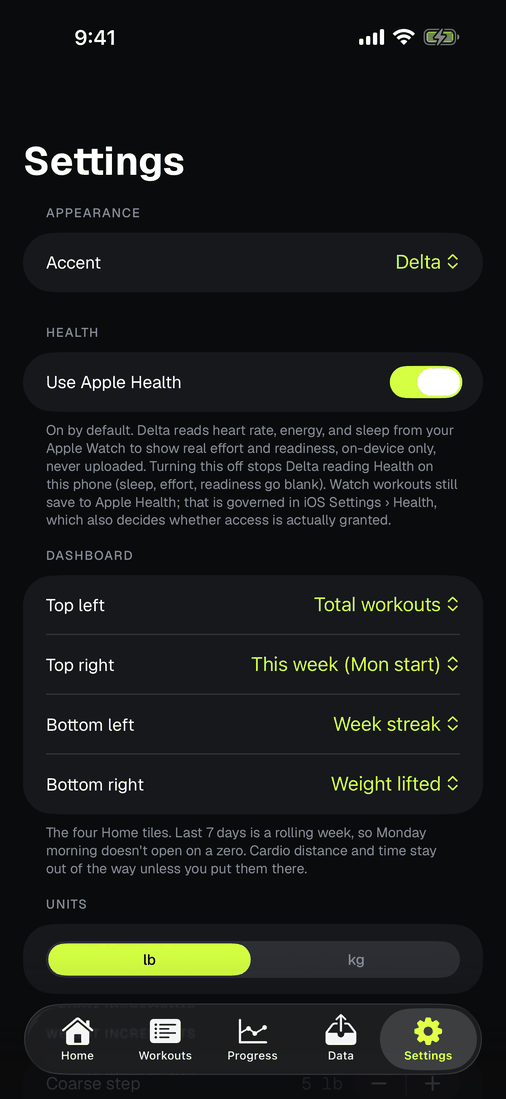
Six palettes, matching icons
Pick an accent in Settings and the app icon follows. Semantic colors never move: warnings stay amber, slow stays red, fast stays green, in every theme.
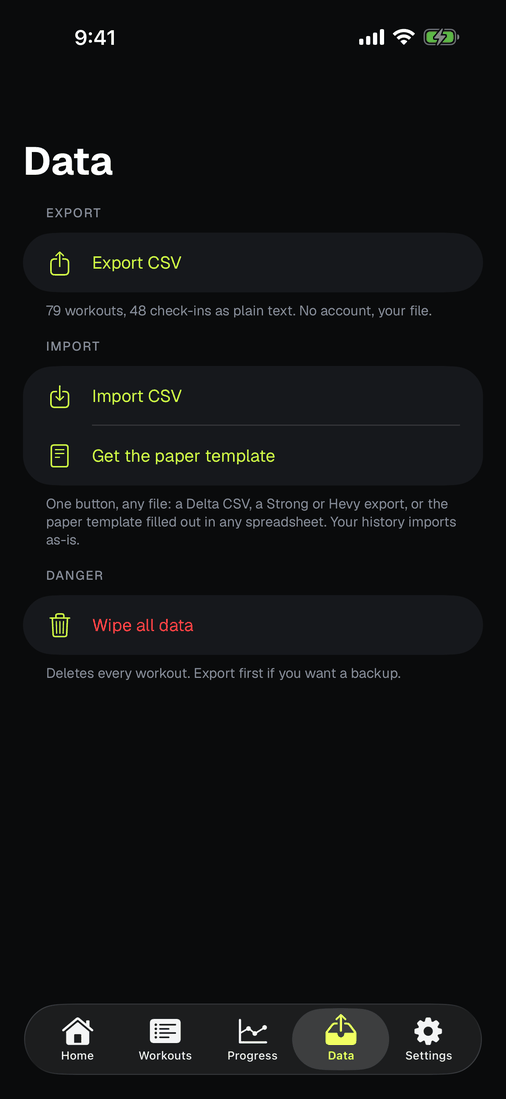
The whole log, one file
Export everything as CSV whenever you like; import brings it all back, exactly. Your notebook, in plain text, forever. Details in bring your history.
When a lift stops moving
Delta can watch for a stall, and it is off until you turn it on: Settings, Plateau detection. Two readings to choose from. Estimated 1RM watches your best estimate flatten. Linear progression watches a working weight hold for several sessions without the reps coming back. Either needs at least four sessions of that lift before it will say anything.
What it says is a fact, not an instruction: you have held this weight for this many sessions, topping out short of the reps you hit before the last increase. In linear-progression mode it adds the convention after the fact, that LP conventionally calls for about a ten percent deload and a rebuild, labelled as a convention because that is all it is. If your training volume climbed over the same window it says that too, since a flat top set during a volume increase is a different story from a flat top set on its own.
It stays quiet when the data is thin, and it never tells you what to do. Every callout ends by saying it is an observation from your logged data, not coaching advice, which is exactly what it is.
Straps, chalk, watch off
Take the watch off mid-workout and the workout keeps running. Heart rate can't be read off the wrist, so that stretch is a gap: the chart breaks instead of drawing a line through it, and the average covers only the time you were actually measured. Put it back on and it picks up where it left off. If you do this every session, an armband keeps the reading going, or turn off Wrist Detection in the Watch app so the screen stays put.