Your first workout.
Delta opens as an empty notebook. No setup, no questionnaire, no plan wizard: the fastest way to learn it is to log one exercise, which is what this page does, start to finish. Two minutes of reading, tops.
Start it
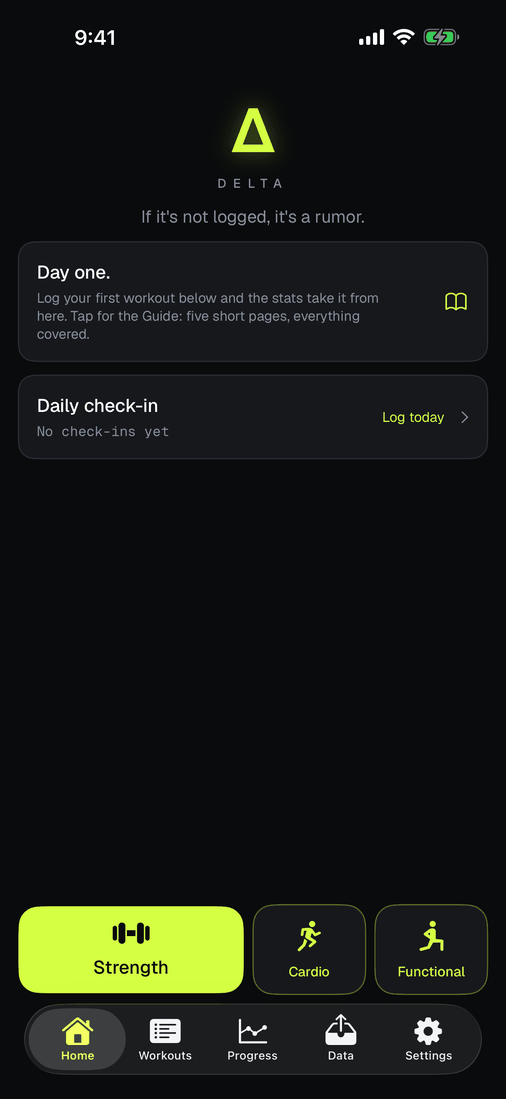
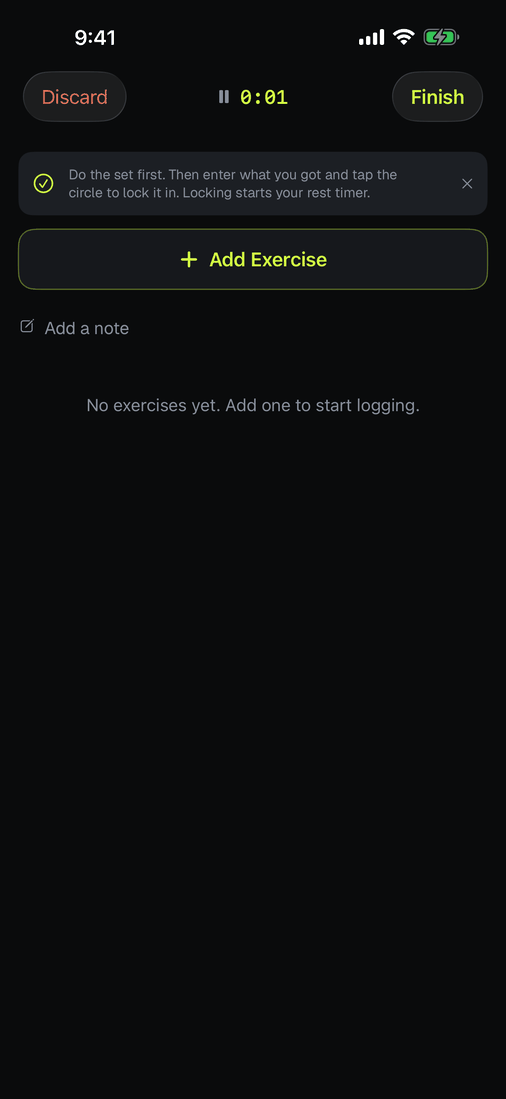
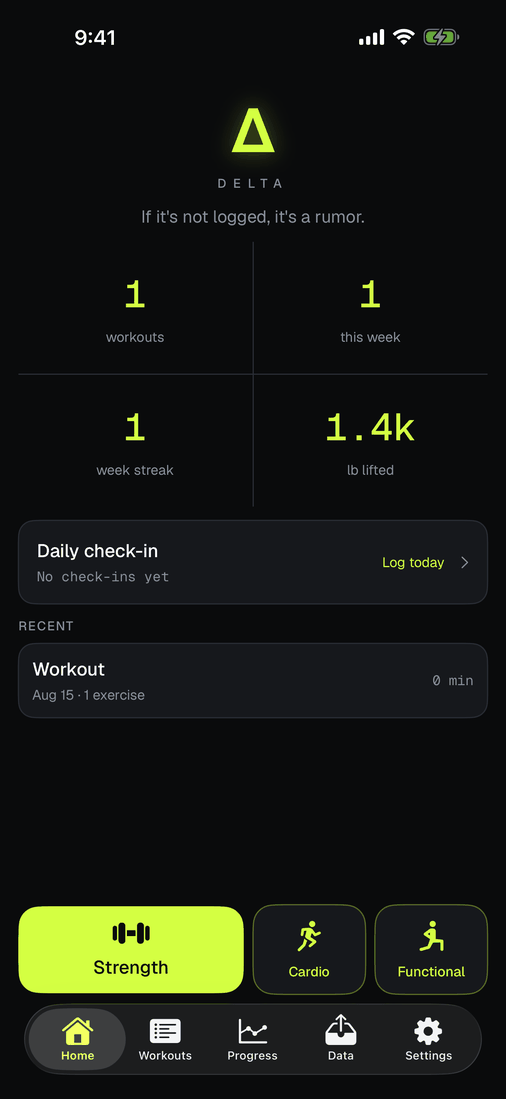
Home has three big buttons: Strength, Cardio and Functional. This page walks the strength one because it teaches the set logging everything else reuses; the other two are at the bottom of the page. Tap Strength and you are in a workout; the clock at the top is already running. Nothing else is required and nothing is committed yet. If you tap it by accident, Discard erases all evidence.
Add an exercise
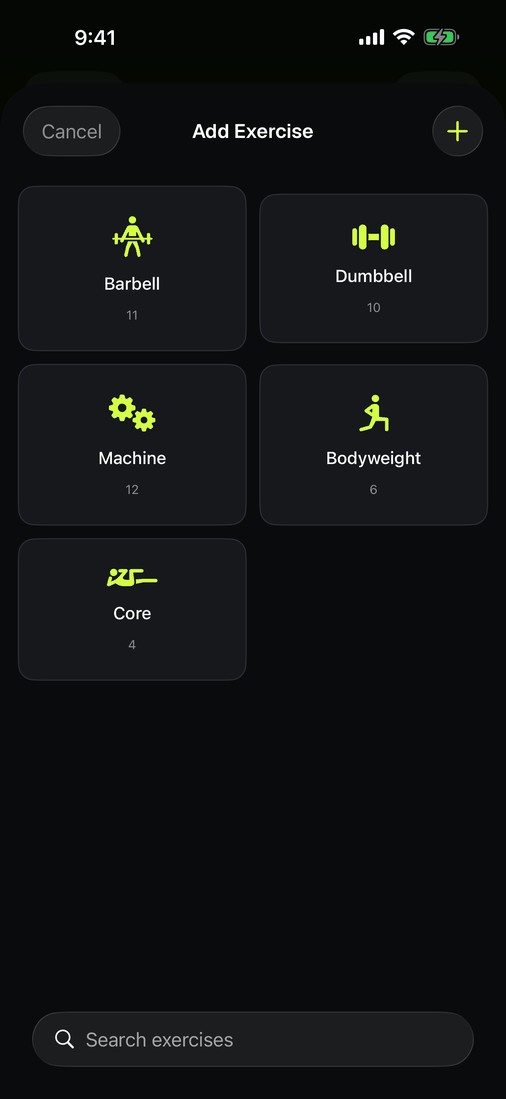
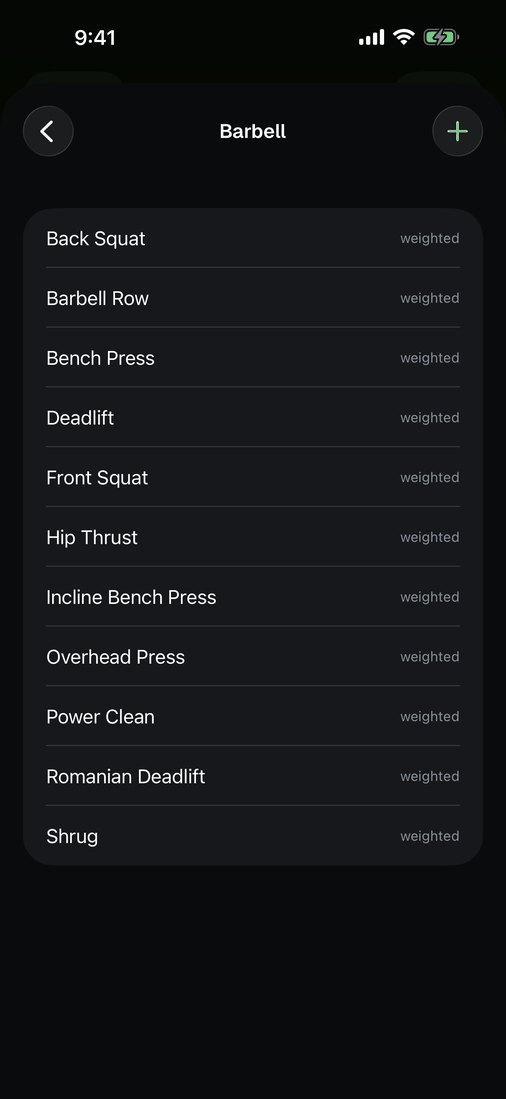
Tap Add Exercise. The library is built for tapping, not typing: pick a group, tap the lift. Search is at the bottom if you want it, and the + writes a custom exercise if yours is missing. Once you have some history, a Most Used group floats your usual lifts to the front.
Fill the first set, then add sets
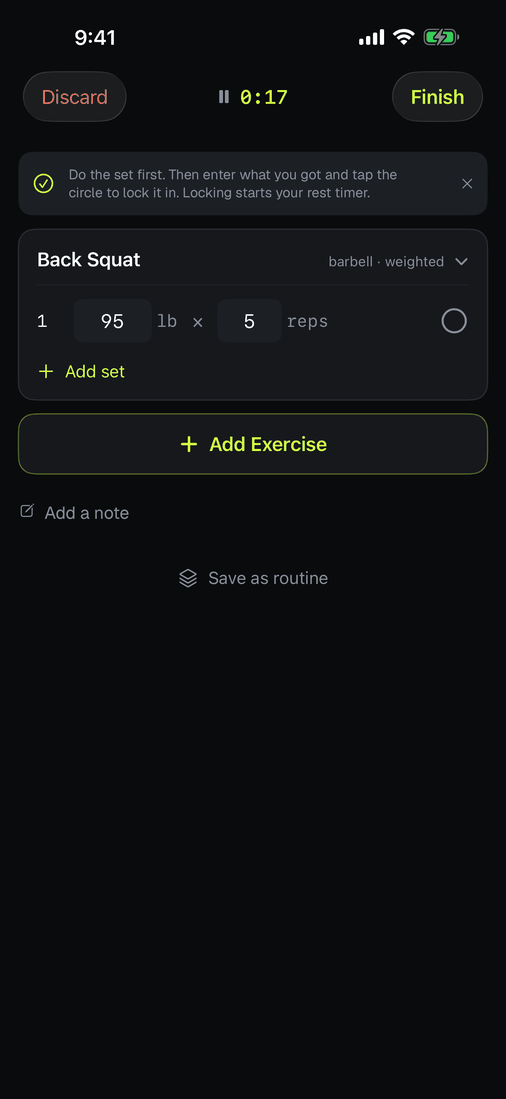
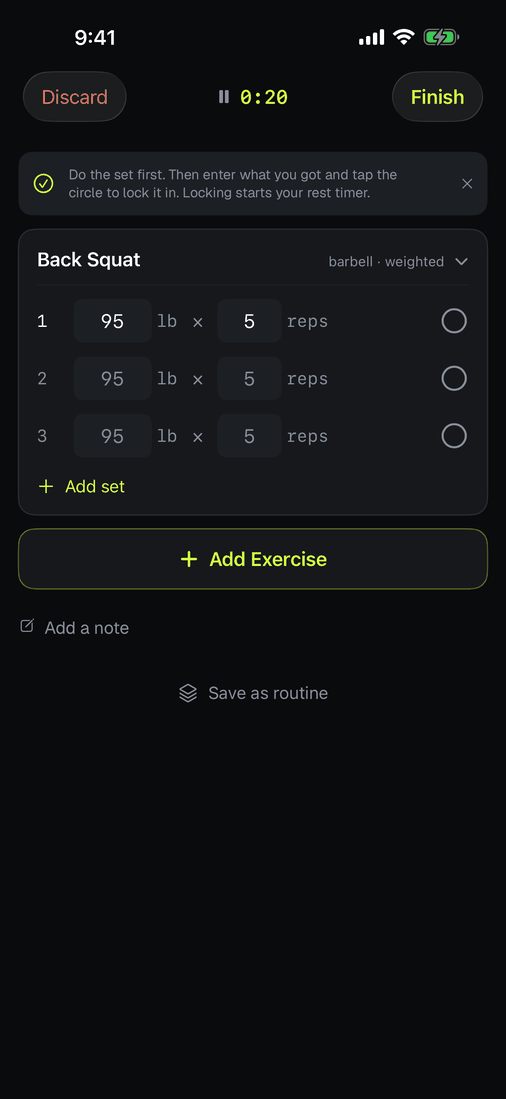
This is the one habit worth learning on day one: write set 1 first. Enter the weight and reps, then tap Add set. Every new set copies the line above it, so three sets of 95 × 5 is one fill and two taps, not three rounds of typing. (Adding empty sets first and filling each one by hand works too. It is just slower, and we have witnesses.)
Do the set, then lock it in
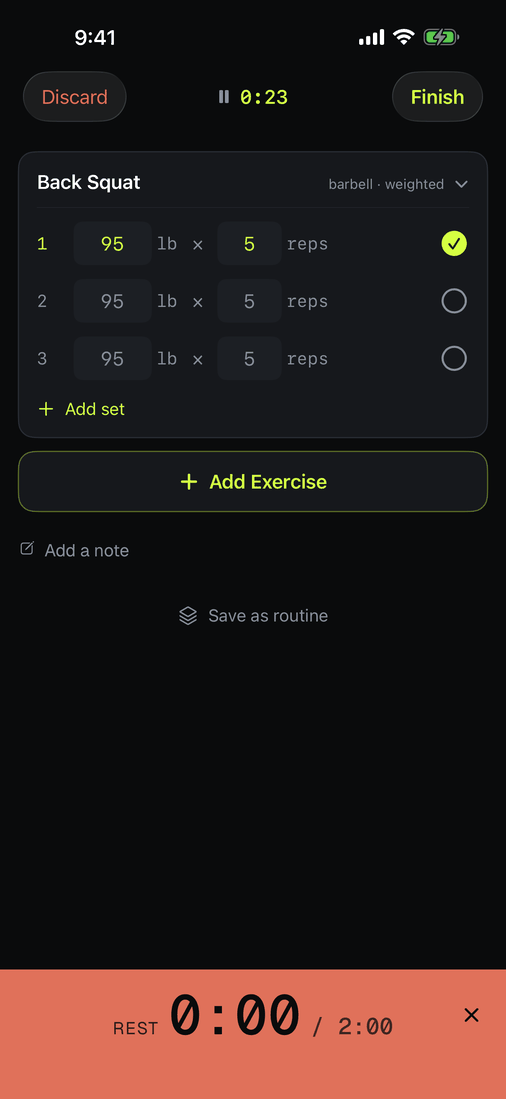
The circle at the end of each row is the commit. Do the set in the real world, correct the numbers to whatever actually happened, then tap the circle. Locking starts the rest clock, which counts up so a long sit is visible, and flips color when you pass your target (2:00 by default; yours to change in Settings). Delta saves what you locked, not what you planned.
Ramping up with lighter warm-up sets? Press and hold a set row for the set menu and flag them as warm-ups: they stay in the log but out of your PRs and progress math. That menu and the rest of the quiet gestures live in quick tips.
Finish
Tap Finish and the workout is in the book. Home picks up the running tally: workouts, week streak, pounds lifted, all computed from exactly what you locked in. Next time you log the same lift, each set shows what you did last time, and the notebook starts doing the remembering for you.
The other two buttons
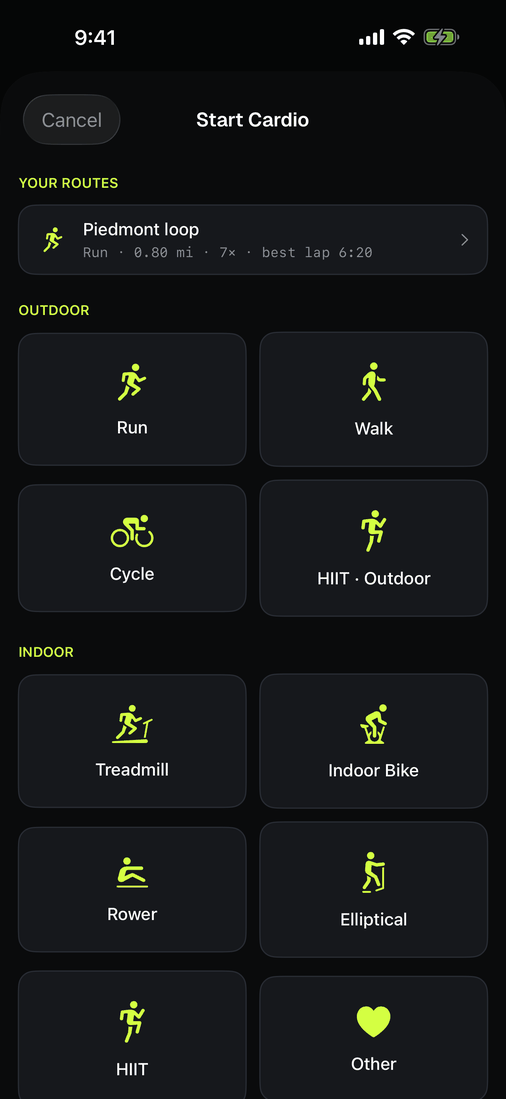
Cardio opens a short list instead of a blank workout: run, walk and cycle outdoors, or treadmill, indoor bike, rower, elliptical, HIIT and a plain "other". Pick one and it starts immediately.
The outdoor three use GPS and do the measuring for you: distance, pace, a map of where you went, and splits per mile when you are done. Run the same loop twice and Delta recognises it as the same route and starts keeping times for it. The indoor ones have nothing to measure from, so you type what the machine said: minutes, distance, or both. A Bluetooth rower streams straight in instead of being typed.
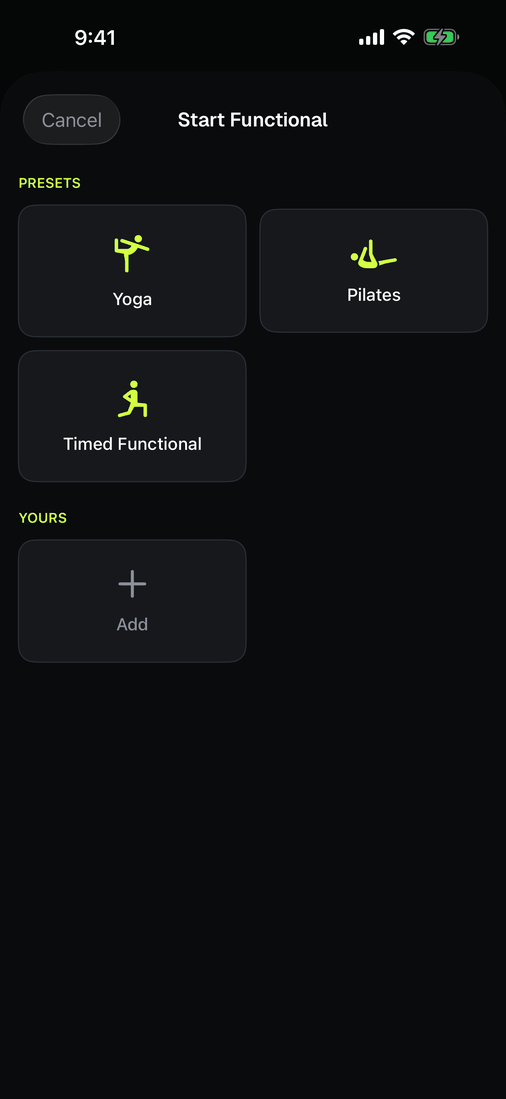
Functional is the same screen as Strength, opened for work that is not barbell shaped: carries, sled pushes, kettlebell complexes, whatever your gym calls it. Exercises there can be measured in reps, in seconds, or in bodyweight plus added load, so a plank is logged as time and a weighted chin-up as bodyweight plus the belt.
All three land in the same log, export in the same CSV, and count toward the same tallies on Home.
A note on what counts
One rule runs underneath all of it: Delta only counts what you locked in. A set you typed but never committed is a plan, not a result, so it stays out of your PRs, your volume, and every number on Home. That is deliberate. The difference between what you intended and what you did is the whole reason to keep a log.